Blekota
Founder
UX & UI Design, Development
2025 - 2026
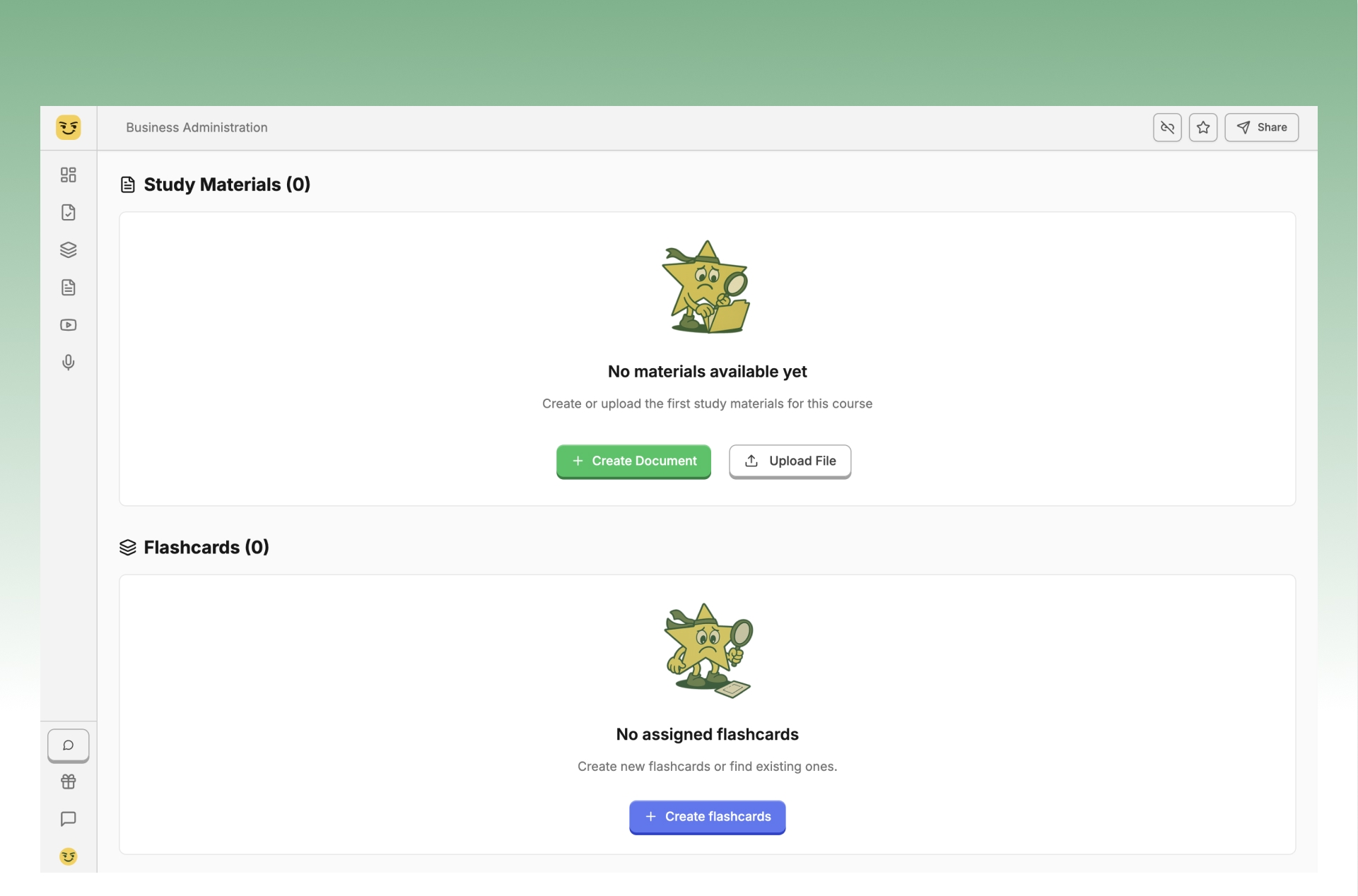
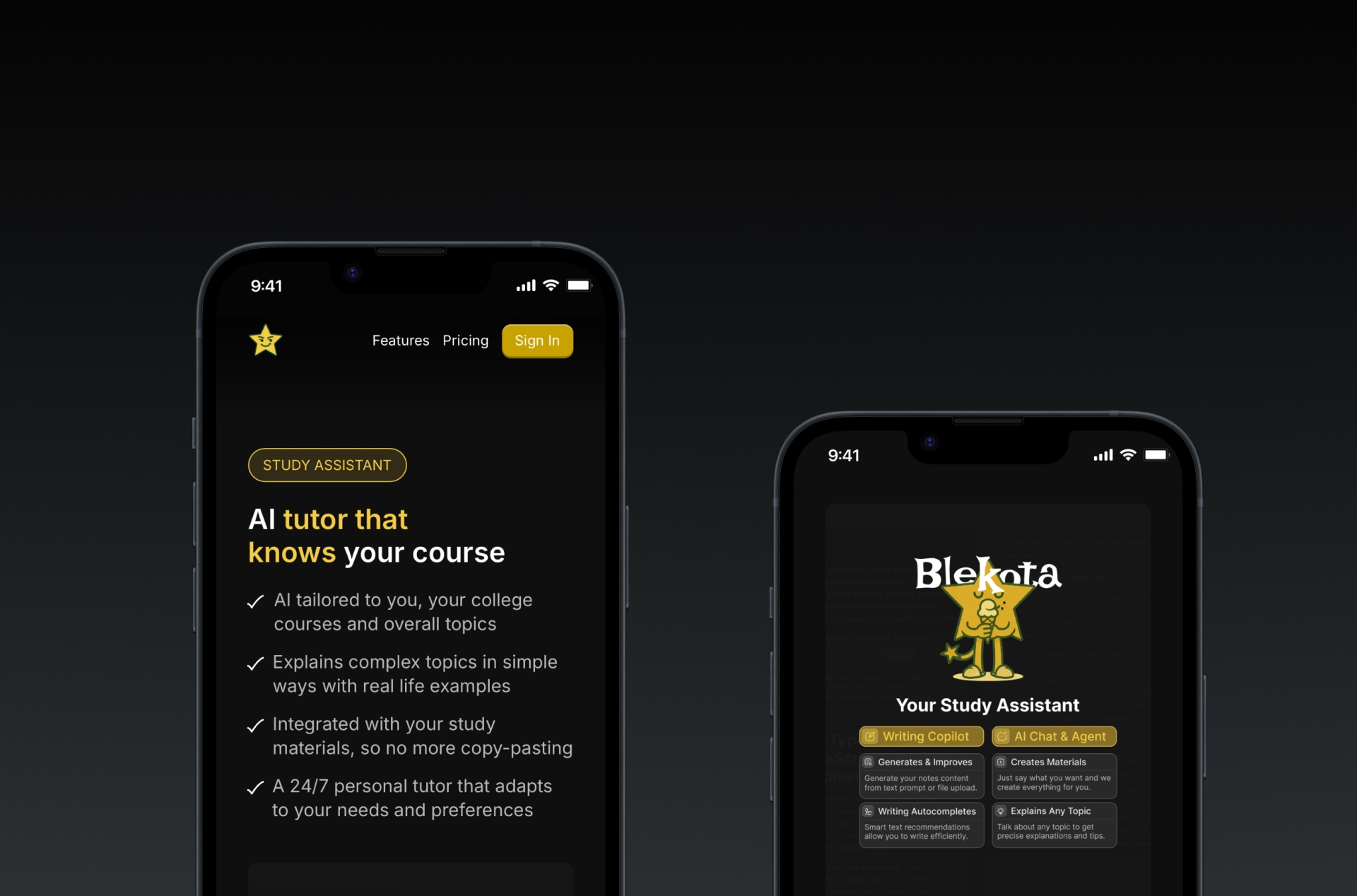
Blekota started from a frustration with how fragmented studying had become. Notes in one tool, files somewhere else, ChatGPT in another tab, and flashcards in yet another app. I started building it in April 2025 as one place where the material, AI, and actual studying could share the same context. A course is the source of truth: files, notes, flashcards, tests, videos, and conversations stay connected instead of becoming separate prompts and documents, so the AI works with what the student is actually learning rather than starting from a blank chat every time. The assistant searches across the current course's documents, flashcards, tests, and other study material before answering — it can explain a concept, find existing material, or create something new when needed. And the same workspace carries students from learning into retrieval: flashcards for quick repetition, generated multiple-choice tests, and a voice-based oral exam simulator that runs as an actual conversation with spoken responses, a time limit, and a post-exam summary. Blekota also supports shared courses and materials, educational videos and transcripts, activity tracking, and both university and self-study structures. Underneath it, I built the product around Next.js, MongoDB and Vector Search, Cloudflare Workers and R2, Gemini/LangChain, and Better Auth.
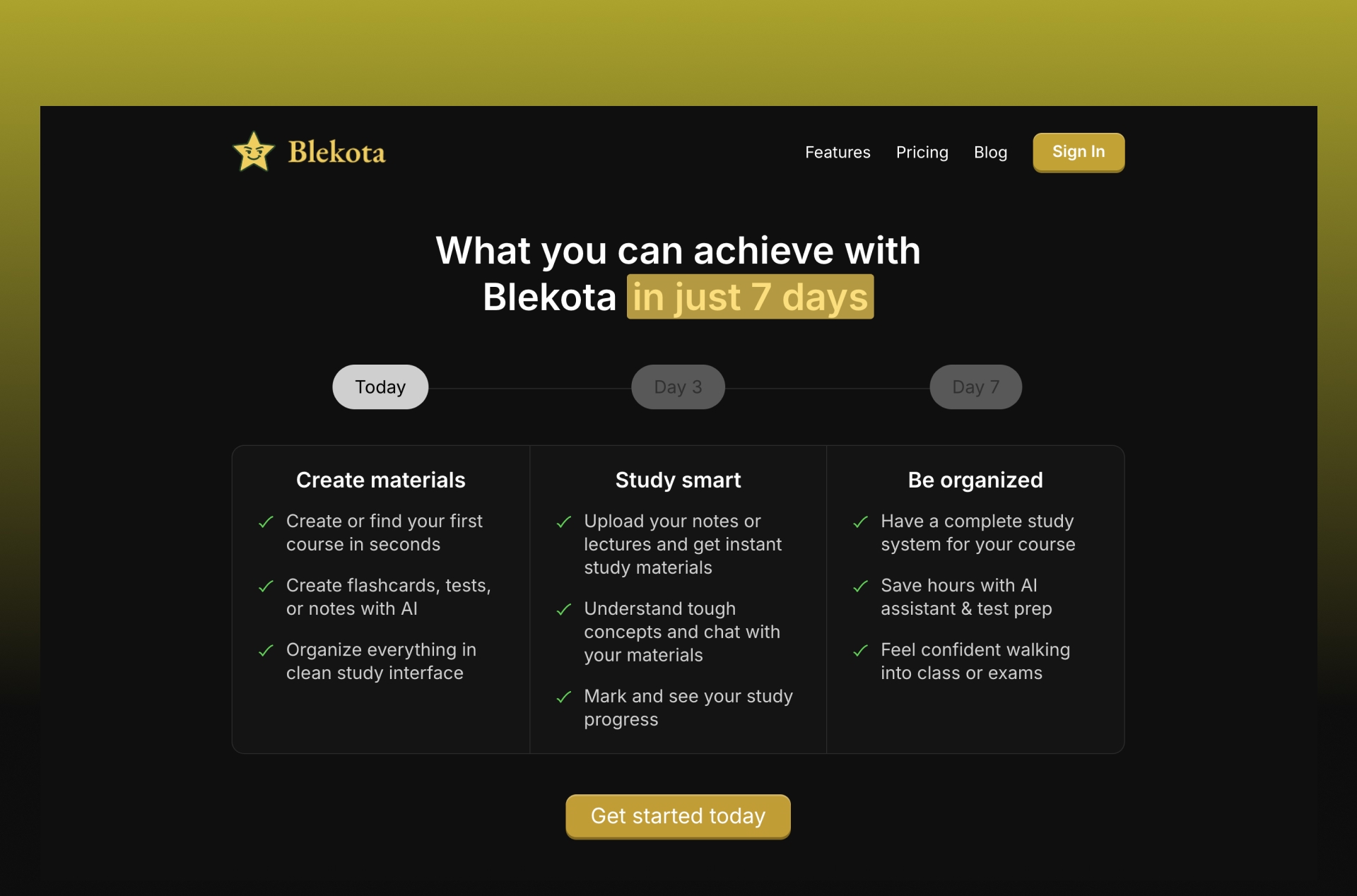
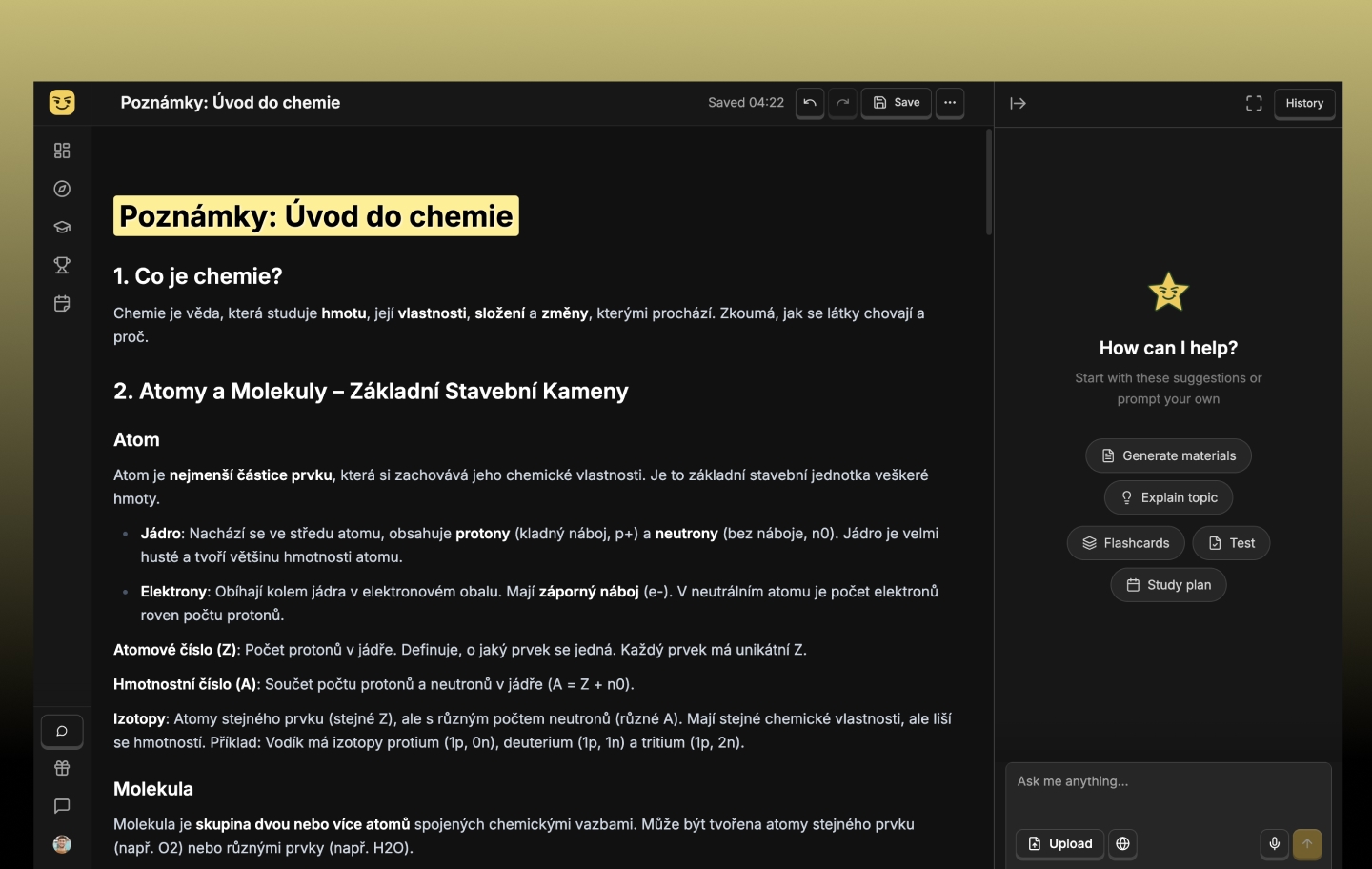
Students can start from their university and course or simply choose a topic they want to learn. Onboarding uses that context to prepare a private starter course and study plan, with notes, flashcards, and practice questions generated around it. The generation flow is built to be recoverable: each material type is generated and saved independently, retries only fill what is missing, and the student can enter the workspace before everything finishes. From there, anything the student uploads — PDFs, presentations, documents, images — turns into structured notes, flashcards, and tests. The goal is not just to generate content, but to remove the repetitive setup between receiving course material and actually studying it. Writing happens in the same workspace: a full rich-text editor with autosave, AI editing, autocomplete, slash commands, tables, code blocks, images, and generated visualizations. AI can help expand or rewrite a section without forcing the student to move the document into another tool.